




Add a minimalist text editor to Word
One of the things about Microsoft Word that writers, and those people that have to write long texts, complain most about is that its interface is very loaded and it doesn't offer an environment in which it is easy to maintain concentration, but this can be solved thanks to Writespace.
All Word's power in a minimalistic environment
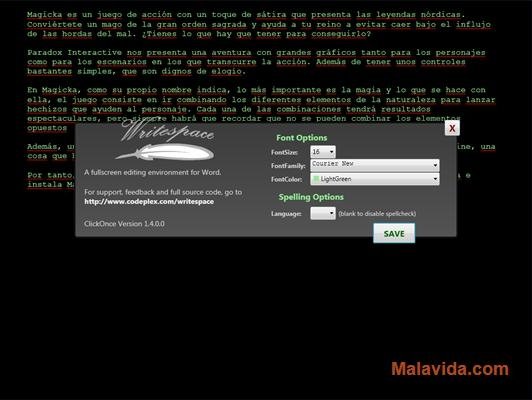
Writespace, that can be accessed from the Word “View” tab, opens a writing area with a black background in which you can only write plain text. And since the only thing that is visible is the text, you will have no elements that will be able to distract you, and it will be a lot easier to keep your concentration.
As a noteworthy element, especially if it is compared with other minimalistic text editors, Writespace offers the possibility to use the Word spellcheck engine on the texts that, as it is widely known by the majority of people, is the best spellchecker on the current market.
Therefore, if you want to add the possibility to write with a minimalistic text editor to your copy of Microsoft Word, download and install Writespace on your computer.
 Héctor Hernández
As a technology journalist with over 12 years of experience in the world of software and apps, I have had the opportunity to try all kinds of devices and operating systems over the years. I have done from software or mobile applications reviews...

Antony Peel